
A few small changes can make your online accounts more difficult to break into. Here’s what actually works and what to stop doing.
Passwords that hold up
- Use three random words — long beats complicated and it’s easier to remember
- Never reuse the password from your email or bank account anywhere else — those two matter most
- Don’t build passwords from things you share online like your pet’s name or important dates
- Never write your PIN or password down
- Use a password manager to generate and store strong passwords securely — you only need to remember one
- Avoid easy-to-guess passwords like QWERTY, 123456 or the word ‘password’ itself — and never use names, dates or common phrases.
Two-step verification and passkeys
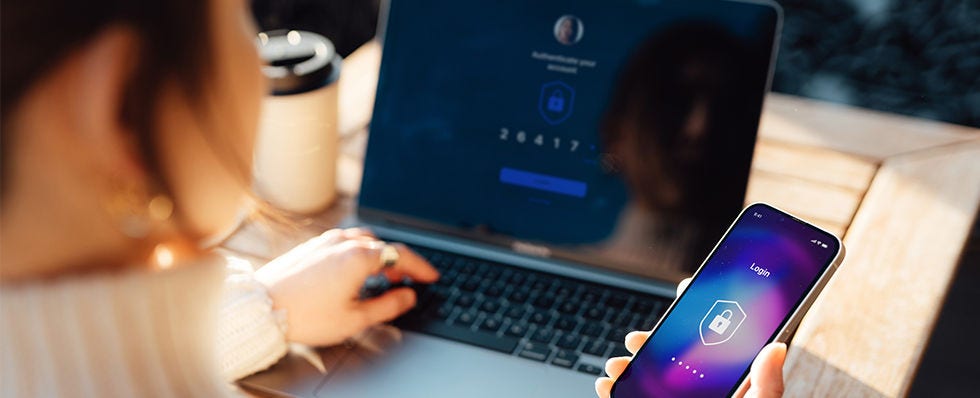
Two-step verification adds a second check when you log in — like a code sent to your phone — so a stolen password alone isn’t enough. Turn it on for your email and banking accounts first. Passkeys go further: a newer, stronger way to sign in without a password at all, using your device and your fingerprint or face. They’re recommended by the National Cyber Security Centre (NCSC), and more banks and services support them every month.
If an account Is compromised
Change your passwords straight away – email first if it’s affected, since your email can be used to reset everything else. If not, start with your key online accounts like your bank and mobile phone provider. Then regularly check your credit report for credit searches or new accounts you don’t recognise.

